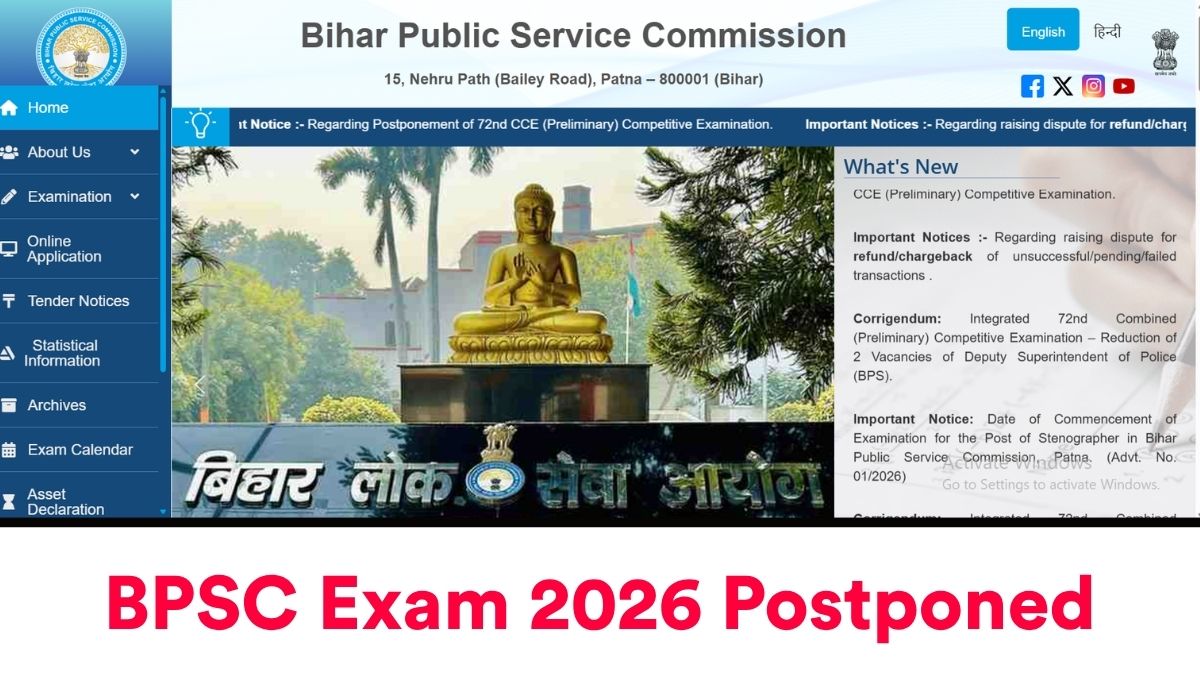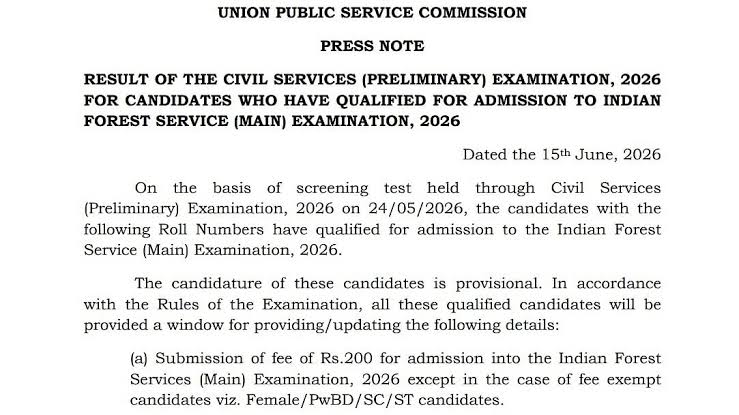
The National Testing Agency (NTA) has released city intimation slips for the UGC NET 2026 re-exam. Candidates who are scheduled for the re-exam must download their city intimation slips from the official portal using their application number and date of birth. The slip contains your allotted city, exam shift, reporting time and instructions.
Quick overview
| Exam | UGC NET 2026 (Re-exam session) |
|---|---|
| Authority | National Testing Agency (NTA) |
| What’s released | City intimation slip (centre city allotment & shift details) |
| How to access | Download from the official UGC NET portal using application number and date of birth |
| Key items on slip | Exam city, exam shift, reporting time, basic instructions |
How to download your UGC NET 2026 re-exam city intimation slip — step-by-step
- Go to the official UGC NET/NTA portal (the URL provided in the official announcement).
- Click the link titled “UGC NET 2026: City Intimation Slip (Re-exam)” or similar.
- Enter your Application Number / Roll Number and Date of Birth (as submitted during registration).
- Enter the security PIN / Captcha shown and submit.
- View the city intimation slip. Download the PDF and take at least two printed copies.
- Check all details immediately: name, application number, allotted city, exam shift and reporting time.
What the city intimation slip includes (check carefully)
- Candidate name and application/roll number
- Allotted exam city (not the full centre address)
- Exam date, shift and reporting time (if specified)
- Instructions on admit card release and exam day requirements
- Details on documents to carry on exam day
Important documents to carry on exam day
| Primary document | Details |
|---|---|
| Printed admit card | Issued by NTA — mandatory (carry printed copy) |
| City intimation slip | Carry a printout as proof of city/shift details |
| Valid photo ID | Passport / Aadhaar / PAN / Driving Licence / Voter ID (original) |
| Passport-size photographs | As per instructions (carry recent photos) |
| PwD certificate (if applicable) | Original certificate as issued by competent authority |
UGC NET exam pattern (standard format)
| Paper | Purpose | No. of questions | Marks | Duration | Negative marking |
|---|---|---|---|---|---|
| Paper I | Teaching & Research Aptitude | 50 | 100 | 60 minutes | No |
| Paper II | Subject-specific (based on selected subject) | 100 | 200 | 120 minutes | No |
Typical timeline for re-exam process (what to expect next)
| Event | Typical timing | What to do |
|---|---|---|
| City intimation slip release | Now (candidates notified) | Download and verify details immediately |
| Admit card release | Usually 7–10 days before exam | Download final admit card and check exam centre address |
| Re-exam date | As per city intimation / admit card | Arrive early, follow COVID & safety/centre rules |
| Answer key release | Within 1–2 weeks after exam | Check provisional keys; file challenges if needed |
| Result declaration | Usually 4–6 weeks after examination | Download scorecard and check eligibility for JRF / Assistant Professor |
Common issues and how to handle them
- If your details are incorrect on the slip: Take a screenshot immediately and contact the exam authority via official email/helpdesk as instructed on the portal.
- If you cannot download the slip: Try a different browser, clear cache, or use the direct link provided on the portal. Keep your application number and DOB ready.
- If your city is far from your current location: Follow refund/change policies only if officially allowed. Generally, centre/city changes are not permitted after allotment.
- Missing admit card after city slip: Admit cards are typically issued later. If not available within expected time, contact the NTA helpline.
Checklist — 7 days before the exam
| Task | Action |
|---|---|
| Download city slip | Save PDF and print two copies |
| Confirm documents | Keep photo ID, admit card, photos ready |
| Travel planning | Plan route to exam city/centre, book transport if required |
| Revision schedule | Fix a final revision plan for Paper I & II |
| Centre rules | Read and follow instructions on admit card and slip |
Sample email template to contact the exam authority
Subject: Issue with UGC NET 2026 Re-Exam City Intimation Slip — Application No. [Your Application No.]
Body:
Dear Sir/Madam,
I am writing to inform you about an issue with my UGC NET 2026 re-exam city intimation slip. My application number is [Your Application No.]. The slip shows [describe the issue — e.g., incorrect name / missing details / unable to download]. I request your assistance to resolve this matter at the earliest. Attached are screenshots and my registration details.
Regards,
[Your Full Name]
[Mobile Number]
[Email ID]
Important do’s and don’ts on exam day
- Do carry printed admit card, city intimation slip and valid original photo ID.
- Do reach the exam centre well before the reporting time mentioned on the admit card.
- Do follow all instructions printed on admit card and by centre staff.
- Don’t carry prohibited items such as electronic gadgets, books, notes, calculators, or any communication device.
- Don’t try to enter the exam hall without valid documents — no exceptions.
FAQs
Q1. Where can I download the UGC NET 2026 re-exam city intimation slip?
A1. The city intimation slip can be downloaded from the official UGC NET/NTA portal. Use your application number and date of birth to log in and download the PDF.
Q2. Is the city intimation slip the same as the admit card?
A2. No. The city intimation slip only shows your allotted exam city and shift. The official admit card (with full exam centre address and reporting time) will be released later, typically about a week before the exam.
Q3. I cannot download the slip — what should I do?
A3. Verify your application number and DOB, try a different browser, clear cache, or attempt at off-peak hours. If the issue persists, contact the official helpdesk with screenshots and your registration details.
Q4. Can I request a change of city or centre?
A4. Generally, city or centre changes are not permitted after allotment. Check the official announcements for any special provisions. If you have an exceptional reason, contact the examination authority immediately for guidance.
Q5. What if my name is misspelt on the slip?
A5. If you find a discrepancy in your name or other personal details, report it to the exam authority with supporting documents (scanned copies) and follow their instructions for correction.
Final tips to maximize your exam day performance
- Keep copies of all documents ready the night before the exam.
- Get proper rest and avoid last-minute heavy study; focus on revision notes and important topics.
- Reach the centre early to avoid last-minute rush; follow all centre protocols.
- Read each question carefully and manage your time across sections.
If you have not yet downloaded your city intimation slip, do it now and verify all details. Keep all relevant documents handy and monitor the official portal for admit card release and further updates.